NetSuite is moving everyone to SuiteScript 2.1
NetSuite has confirmed that SuiteScript 2.1 will become the only supported scripting version. From the 2028.2 release, all new and existing scripts must use 2.1. That applies to scripts written in SuiteScript 1.0 and in 2.0/2.x.
If your NetSuite account has been running for a few years, it almost certainly has scripts behind the scenes. They might automate approvals, update records, drive custom screens or connect to other systems. Some will be critical. Some may have been quietly forgotten.
The key date
The deadline is the 2028.2 release*. NetSuite has not provided an exact date for that release, but it is the point at which scripts that haven't been updated may stop working.
*Source: NetSuite Help Centre, 'Transitioning to SuiteScript 2.1'.
Why Transition?
Moving to 2.1 brings your scripts up to current coding standards and lets you take advantage of NetSuite's newer architecture and capabilities.
If you do nothing?
Nothing, for now. Your scripts will continue to run until 2028.2. After that, unsupported scripts may stop working, disrupting the customisations your team relies on. The sensible approach is to plan ahead rather than discover the problem when a process stops.
Three kinds of script, three different answers
Not every script in your account is yours to fix. When we review an account, we sort scripts into three groups:
• Third-party bundles. Managed by the vendor, so the vendor needs to update them.
• NetSuite-native scripts. We will confirm with NetSuite whether these will be kept current.
• Custom scripts. Written specifically for your business. These are the ones we can upgrade for you.
One note: a handful of legacy customisations, such as some bank statement parsers, already aren't supported under SuiteScript 2.0. These may need closer attention, whatever the timing.
Don't convert what you don't need
It is tempting to treat this as a straight upgrade exercise. But long-standing accounts often hold scripts that are no longer used, or that support processes the business has since changed. NetSuite's own guidance suggests prioritising scripts that support critical business processes and evaluating inactive or obsolete scripts for retirement rather than migration.
That is why we recommend checking before converting. Every script you retire is one less to convert, test and maintain, potentially increasing system performance and efficiency as an added bonus.
Your options
There's no single right approach. It depends on the size and age of your account.
Script check. Find out which scripts in your account are not on 2.1. You can start by filtering your script records by version in NetSuite, or we can run our Script Scanner, which lists non-2.1 scripts and exports a CSV of anything that isn't part of a bundle.
Script-specific review. Establish what each script does, whether it is still in use, and whether it should be converted, replaced or retired. Especially worthwhile if you have a lot of scripts.
Full system health check. A wider look at your NetSuite environment to confirm it is lean, fully supported and ready for what is next. It also means you won't spend time and effort keeping customisations up to date if they no longer serve your business. Click to learn more about a System Health Check.
If you have an active support contract with us, we can run our Script Scanner on your account as part of that contract, so you can see exactly where you stand. If you're not currently on a support contract, get in touch, and we'll talk you through the options.
Once you know which scripts matter, we can convert them to SuiteScript 2.1.
How we approach the conversion
Audit: review your scripts across the three categories above.
Build: where it helps, we may use modern conversion tooling to speed things up. Every line is reviewed and tested by our engineers before it goes near your live system.
Test: full regression testing before anything is signed off.
Plenty of time, but a good reason to start
2028.2 is not a fire drill, but the earlier you know where you stand, the more options you have and the calmer the project will be. It is also a chance to take stock of your customisations and make sure they still earn their place.
Whether you need a quick script check, a script-specific review, or a broader system health check, we can help you decide what makes sense for your account and then convert the scripts that matter. Every converted script is reviewed and tested by our engineers before anything is signed off.
Ready to find out where you stand?
Already a 3EN client? Speak to your account manager or reply to our email, and we will properly scope this for your account. If you have an active support contract with us, we can run our script scanner on your account as part of that contract.
Not a 3EN client yet? If you would like to learn more but don't currently have an account with us, contact us here to book a free consultation.
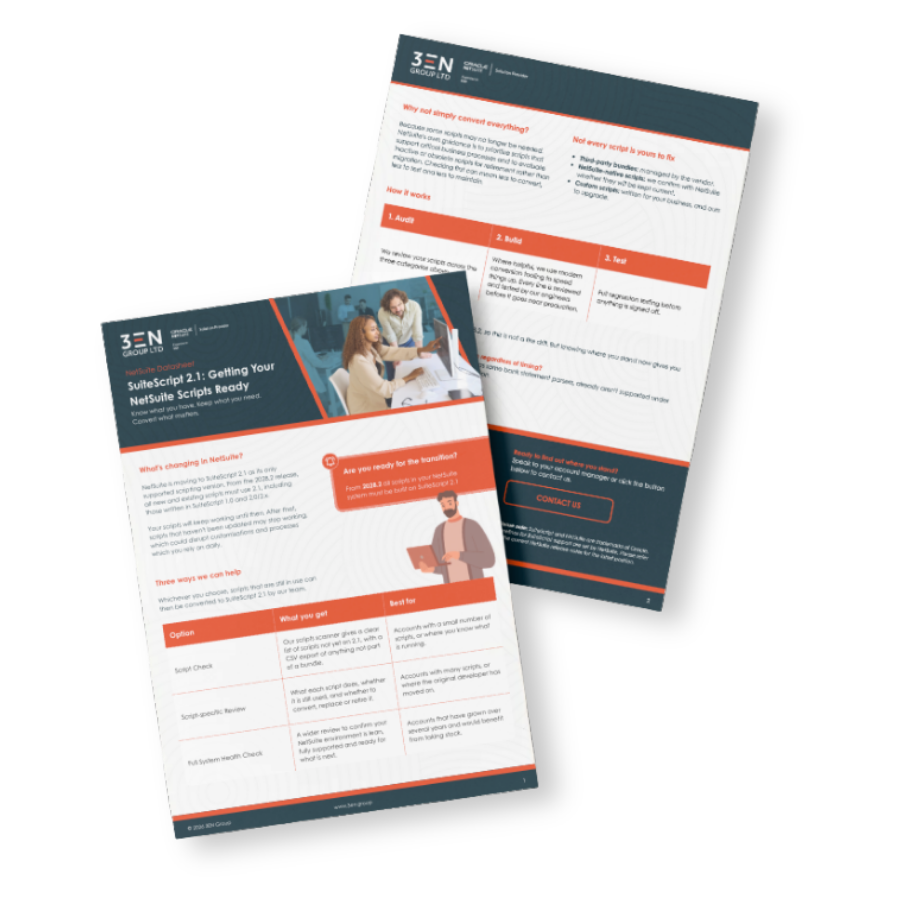
Want the short version?
Download our SuiteScript 2.1 datasheet: